Copilot in Microsoft Intune reached general availability in July 2025, bringing AI-powered endpoint management directly into the Intune admin center. IT administrators can now use natural language to query device data, troubleshoot compliance issues, analyze policies, and navigate custom views — without leaving their workflow. This guide explains what Security Copilot in Intune does, how to enable it, and how to use it effectively.
📱 Need help deploying Microsoft Intune or rolling out Copilot in your organization?
Our team handles Intune deployments, Security Copilot configuration, and endpoint governance for businesses of all sizes. 📅 Book a free 30-min call | 💬 WhatsApp
Copilot in Intune builds on the same Microsoft Entra ID identity foundation and integrates with Microsoft Intune’s core device management capabilities. For the official feature documentation, see Microsoft’s Copilot in Intune overview.
What Is Copilot in Microsoft Intune?
Copilot in Intune is a Security Copilot-powered capability embedded directly in the Microsoft Intune admin center. It gives IT administrators a dedicated AI interface to interact with Intune data using natural language queries. Instead of navigating multiple dashboards and reports, admins ask questions like “Which devices failed the BitLocker compliance check?” or “Show me all non-compliant iOS devices in the Marketing group” and receive instant, actionable answers.
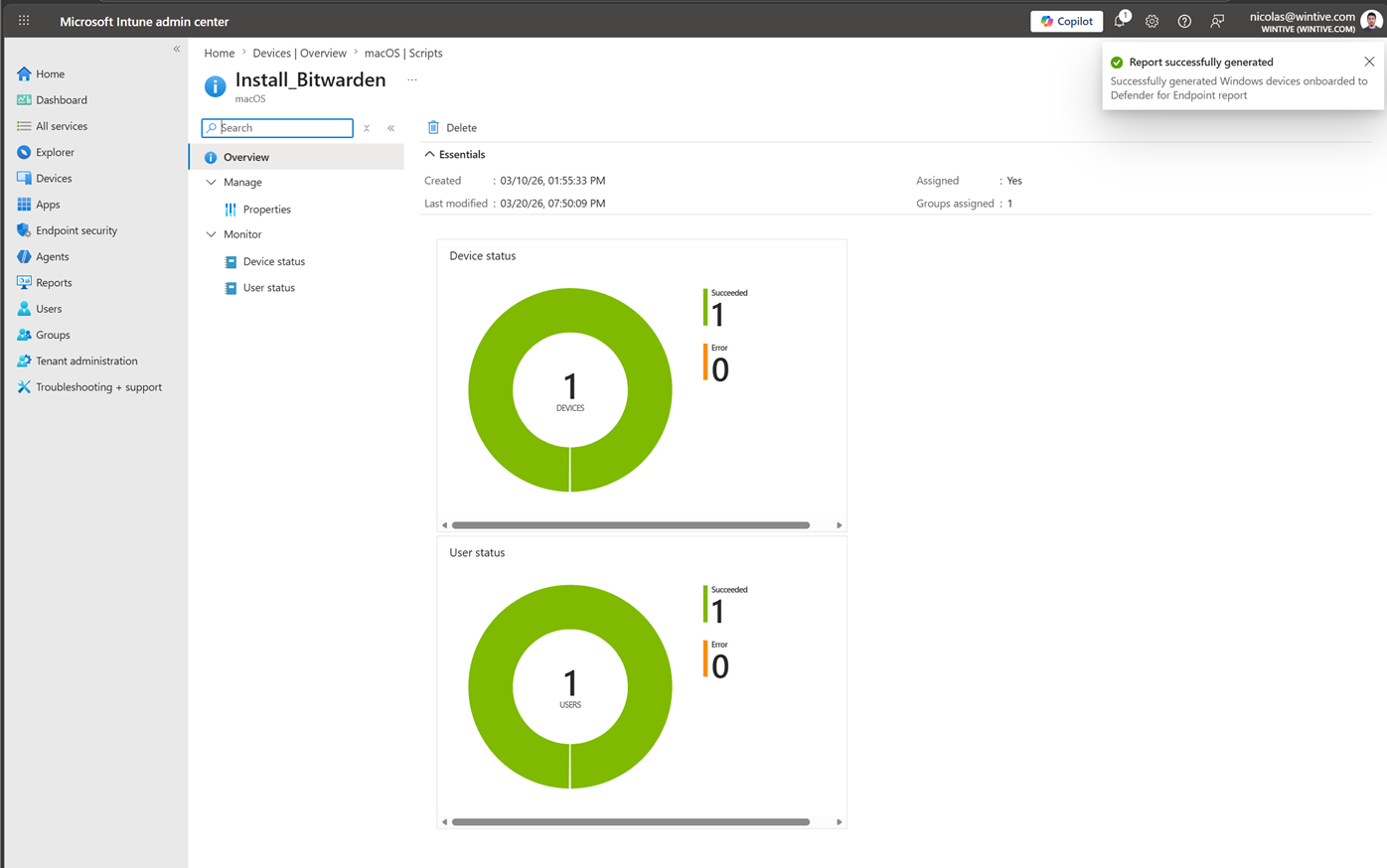
Copilot reasons over a broad range of Intune data including devices, apps, security policies, users, compliance data, app configurations, Autopilot enrollment, Endpoint Privilege Management (EPM), and Advanced Analytics. Administrators can also take actions directly from Copilot responses — creating groups, launching remediation tasks, or navigating to specific views — without switching context.
Licensing Requirements for Copilot in Intune
Copilot in Intune requires a Microsoft Security Copilot license (Security Compute Units — SCUs). There are no additional Intune-specific licenses required beyond your existing Intune subscription. Security Copilot must be configured and the first-run tour completed in the Security Copilot portal before the Intune integration becomes available.
- Microsoft Security Copilot license (SCUs) — required
- Microsoft Intune Plan 1 or higher — required for device management data
- Intune Advanced Analytics (add-on) — unlocks additional Copilot data sources including endpoint analytics and custom compliance
Security Copilot Agents in Intune
Announced at Ignite 2025, Security Copilot agents in Intune extend AI capabilities beyond query-and-answer. These agents can autonomously perform multi-step tasks such as policy creation, device offboarding, and vulnerability remediation. Key agents include:
- Policy creation agent — generates compliance and configuration policies based on your security requirements using natural language input
- Device offboarding agent — handles the full offboarding workflow for departed employees, including device retirement and certificate revocation
- Vulnerability remediation agent — identifies vulnerable devices, prioritizes remediation actions, and proposes policy changes to close security gaps
These agents integrate with the new Admin Tasks feature in Intune — a centralized, prioritized task list that includes critical approvals like elevation requests, multi-admin approvals, and security tasks. Available in preview as of January 2026.
How to Use Copilot in the Intune Admin Center
Once Security Copilot is configured, a Copilot button appears throughout the Intune admin center. Administrators access the dedicated Copilot page via Intune admin center → Copilot. From here, you can enter natural language prompts and receive answers in context.
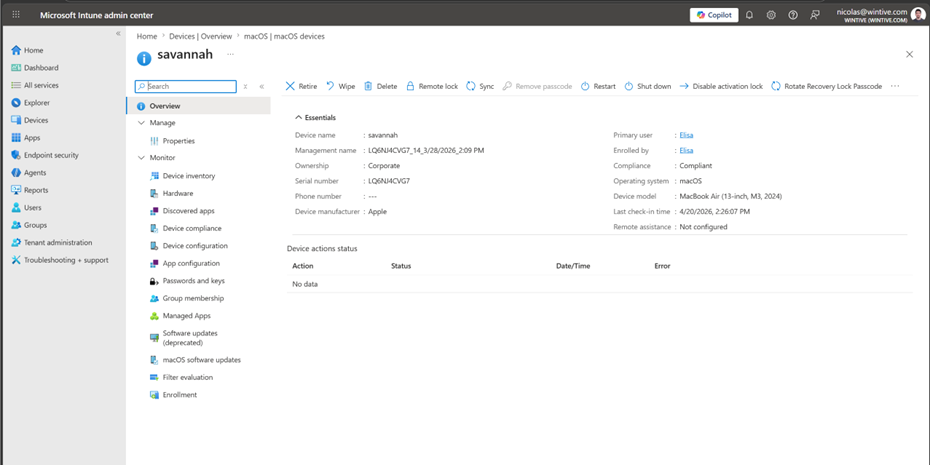
Practical example prompts for IT administrators:
- “List all Windows 11 devices that are non-compliant due to missing BitLocker encryption”
- “What compliance policies apply to devices in the Finance Entra ID group?”
- “Show me all devices that haven’t checked in for more than 7 days”
- “Create a dynamic group for all macOS devices running Sequoia or later”
Copilot and Entra ID Group Management
One of the most useful Copilot in Intune capabilities is group creation via natural language. Administrators can ask Copilot to create Entra ID groups with specific membership rules — for example, “Create a dynamic group for all enrolled macOS devices” — and Copilot proposes the dynamic membership rule, which the admin reviews and approves before it executes. This significantly reduces the time needed to set up policy assignments for new device populations.
For the complete guide to using Entra ID groups with Intune, see our article on managing Entra ID groups in Microsoft Intune. For device enrollment prerequisites, see our guide on enrolling a Mac in Intune.